Subscribe to OIS Pro & Get OIS eCommerce FREE for 90 Days - Expires 7/22
Boost field sales with OIS Pro and stop missing after-hours orders with a second 24/7 digital storefront—included for $0 for 90 days. Turn one subscription into two sales channels.
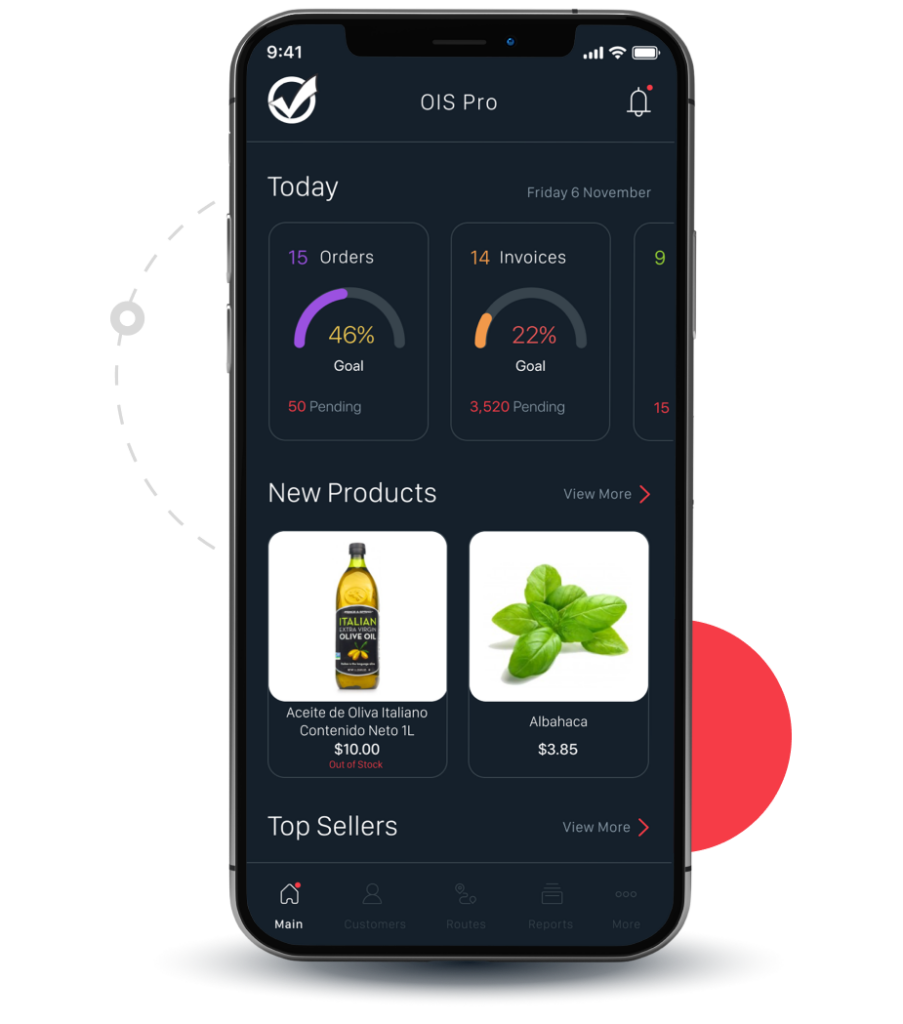
The all-in one mobile solution that simplifies order taking
Your Direct Store Delivery (DSD)and field sales reps can place orders easily in 3 steps. Open the OIS Pro App, select the customer, products and send order. It’s that simple.
Stress free, order placing app for b2b ordering for field reps.
Accept payments and capture the customer’s signature on the spot.
Barcode scanning integration to easily scan and add products to an order.
Easy-to-navigate app for new hire sales training.
Order entry software for inside and outside sales reps.
DSD software for suppliers delivering products to stores.
The all-in one mobile solution that simplifies order taking
Your Direct Store Delivery (DSD) and Pre-Sales field sales reps can place orders easily in 3 steps. Open the OISPro App, select the customer, products and send order. It’s that simple.
Stress free, order placing app for field reps.
Accept payments and capture the customer’s signature on the spot.
Barcode scanning integration to easily scan and add products to an order.
Easy-to-navigate app for new hire sales training.
Order entry software for inside and outside sales reps.
DSD software for suppliers delivering products to stores.
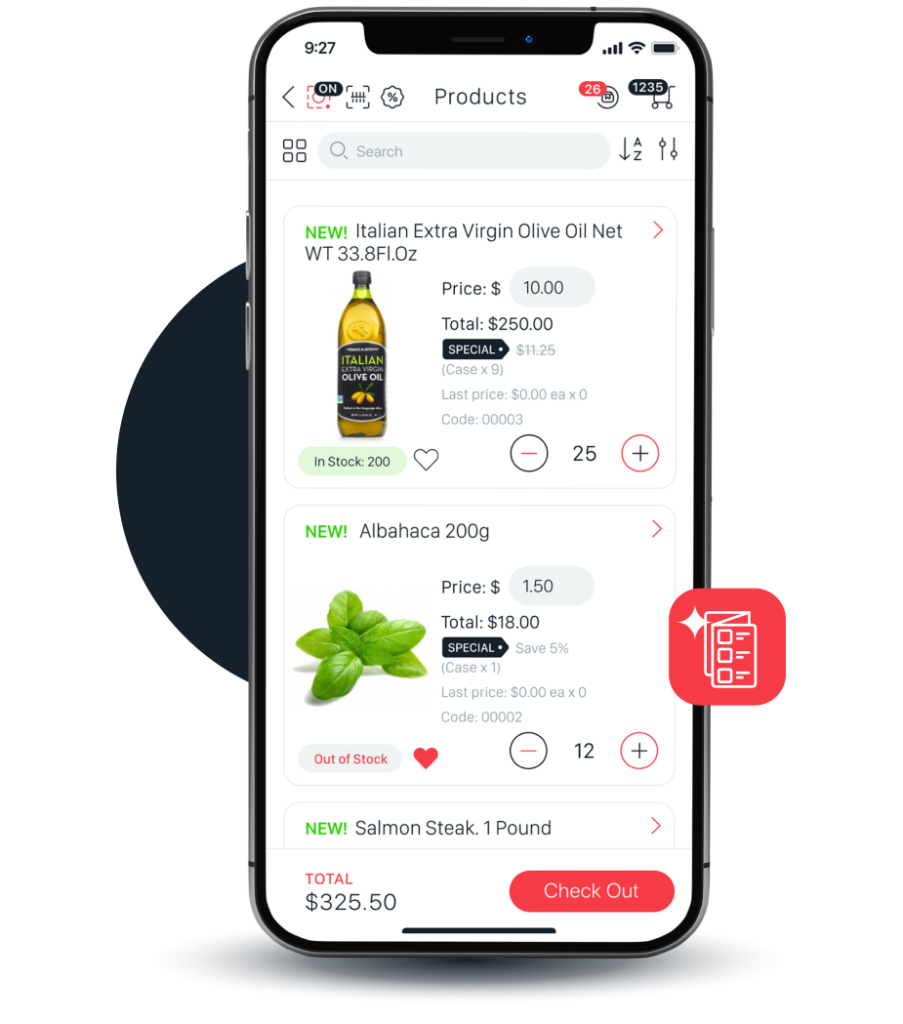
The perfect digital catalog made for selling 24/7
The OIS Pro app features a digital product catalog that’s ready to sell when you are, on or offline.
Browse multiple, high quality product images per customer.
Access to near real-time inventory when reps place orders.
Product catalog software tailored for wholesalers.
Offline access, allowing reps to view catalogs and place orders with no Wi-Fi or internet.
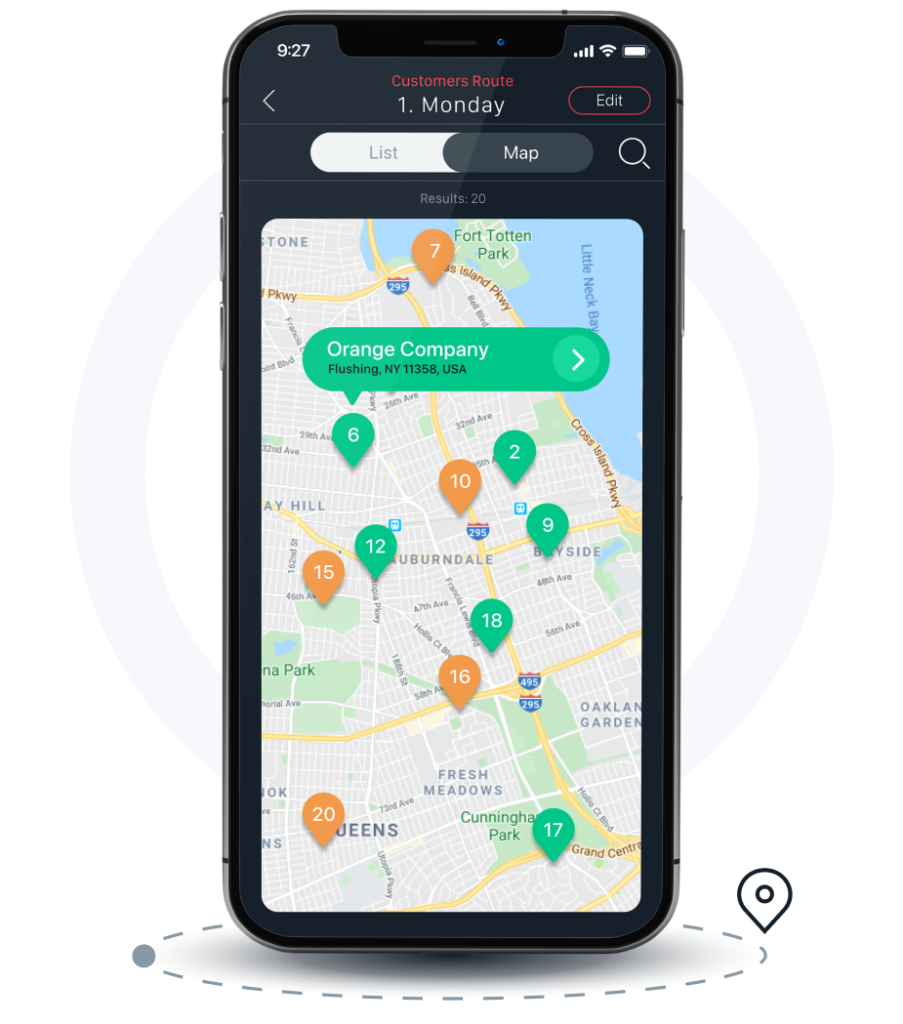
A route manager that lets sales teams focus on selling not mapping
The OIS Pro app features a route manager tool that empowers your reps for a day in the field.
Conveniently plan customer store visits in advance.
Maximize selling opportunities by doubling stores visited per day.
route sales software Integrated with Google Maps, Apple Maps and Waze for quick store mapping.
A route manager that lets sales teams focus on selling not mapping
The OIS Pro app features a route manager tool that empowers your reps for a day in the field.
Conveniently plan customer store visits in advance.
Maximize selling opportunities by doubling stores visited per day.
Route sales software Integrated with Google Maps, Apple Maps and Waze for quick store mapping.
“I wanted to take a moment to tell you how much we at Bass Farms Inc. have enjoyed our partnership with Orders In Seconds for our mobile sales software solution. OIS has truly been an asset to ours…“
A sales rep app that’s all about building customer relationships
The OIS Pro app tracks customer data and purchases, all ready for sharing and printing at a push of a button.
View order history and sales activity, tapping into your customer’s needs to provide new product opportunities.
Easily share invoices, open invoices, sales quotes or credit items with customers.
Never run out of products with inventory transfer requests right from the app.
Integrated with Zebra and Wooism printers for on-the-go printing of invoices, quotes, credits and receipts.
Impress customers by offering an easy-to-use eCommerce app to accept orders
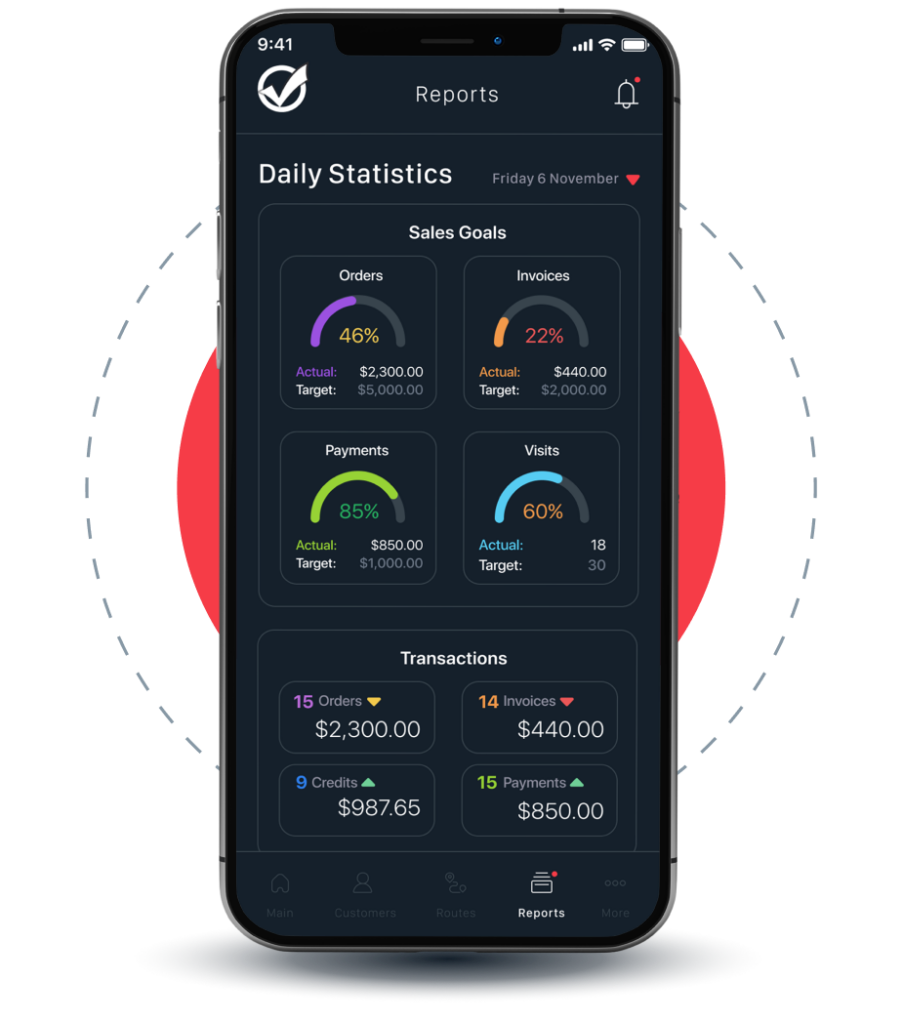
End-of-day reporting helps crush KPIs
The OIS Pro app features a daily KPI report that helps DSD and outside sales reps track their goals and manager’s a bird’s eye view of the teams performance.
App tracks daily sales goals, store visits, orders placed, revenue and payments received.
Reps can view and print their end-of-day reports to ensure daily goals are met.
Managers have access to rep and customer’s behavior to identify sales opportunities.
Managers can stay on top of KPIs to ensure sales quotas are met.
End-of-day reporting helps crush KPIs
The OIS Pro app features a daily KPI report that helps DSD and outside sales reps track their goals and manager’s a bird’s eye view of the teams performance.
App tracks daily sales goals, store visits, orders placed, revenue and payments received.
Reps can view and print their end-of-day reports to ensure daily goals are met.
Managers have access to rep and customer’s behavior to identify sales opportunities.
Managers can stay on top of KPIs to ensure sales quotas are met.
“Excellent service and customizing my application was created by expert programmers who were attentive to all the requirements, also have excellent customer service department to take kindly to be aware of our needs from day to day. Thanks Orders In Seconds.”
The OIS Pro app’s interface is available in a sleek dark mode, only compatible for iOS devices.
Customer Service App Support
The OIS Pro App has unlimited live phone support (during normal business hours), available right from the app to help with questions in the field.
Native App
The OIS Pro app is a natively designed app, whether your team prefers iOS or Android mobile or tablet devices.
ERP Integration
Integrates with popular Accounting/ERP Systems, including QuickBooks Online and Desktop, SAP, SAGE, Peachtree and Netsuite.
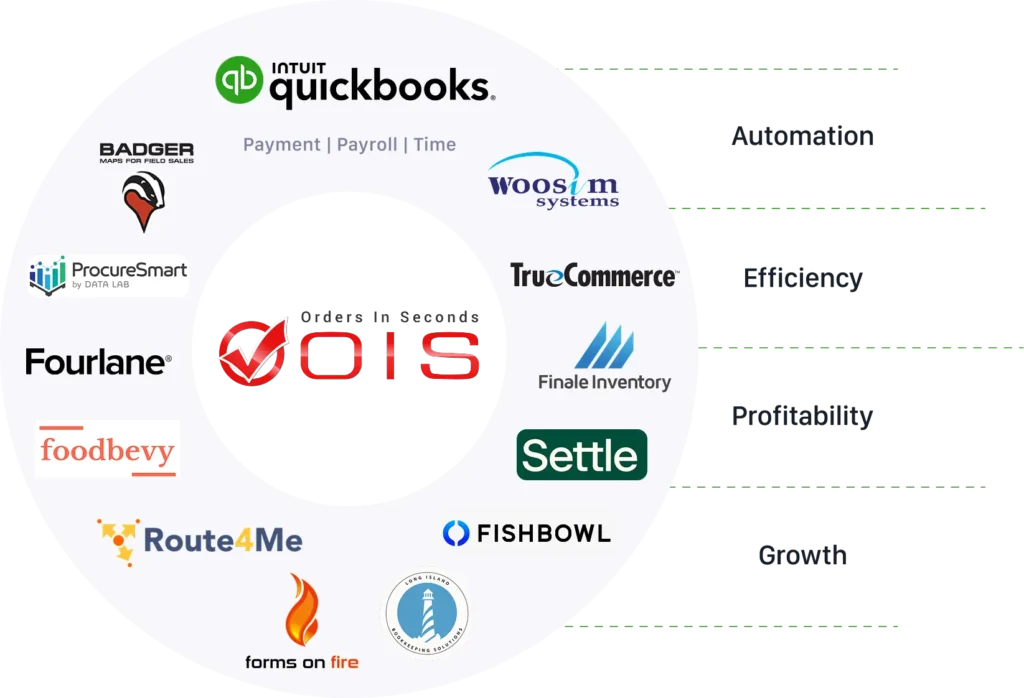
Orders in Seconds Ecosystem
One-Stop Shop for Manufacturers and Wholesalers
Orders in Seconds has partnered and integrated with many exceptional software solution providers to meet the needs unique to wholesale distributors and manufacturers, that enhance your operations and scale your business.
Double Your Sales Orders in 5 Steps
This exclusive eBook is packed with real-world, data-driven concepts that can help maximize your store visits and double your sales. Get it for FREE – Today!
This exclusive eBook is packed with real-world, data-driven concepts that can help maximize your store visits and double your sales. Get it for FREE – Today!